
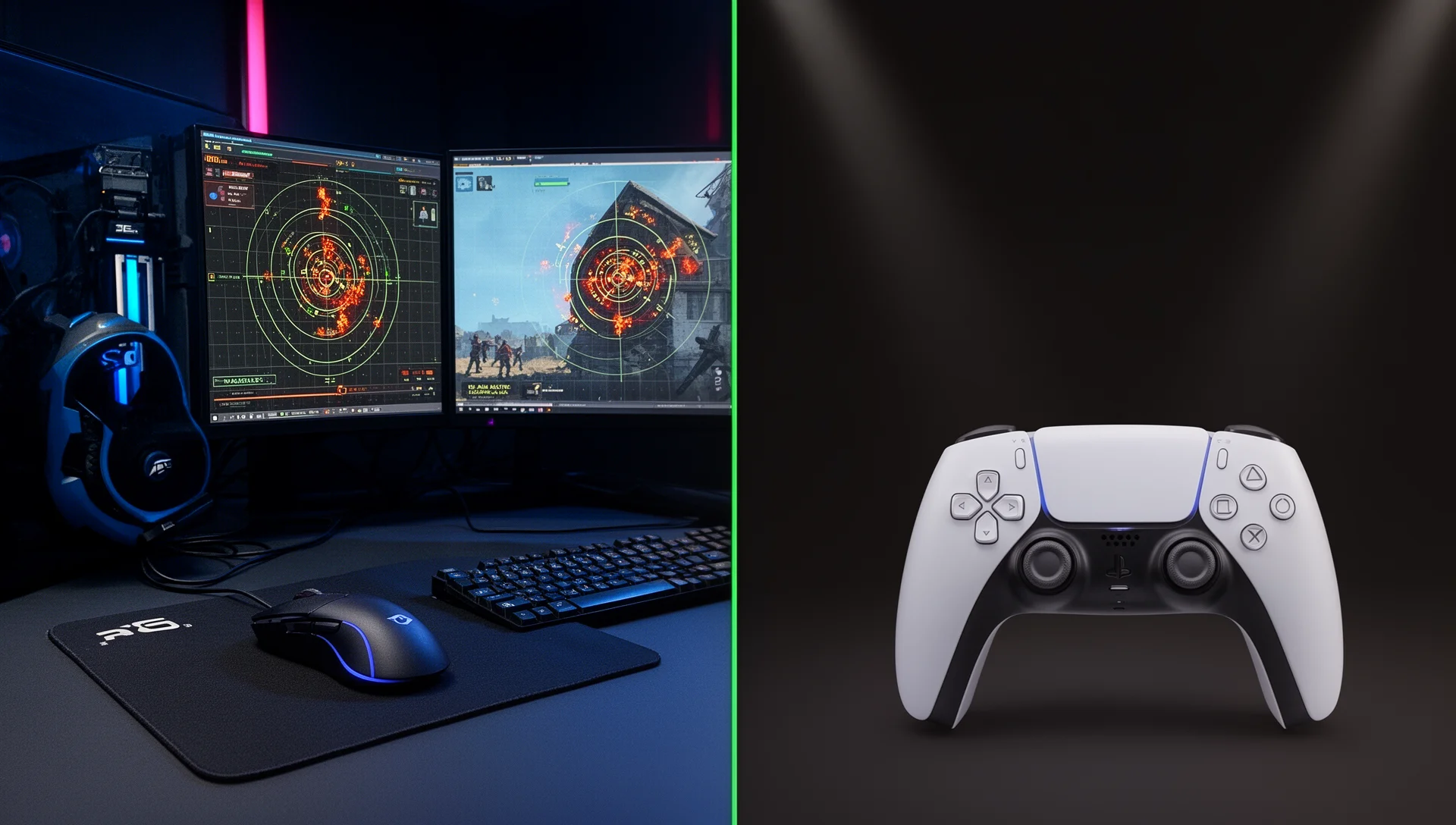
CS2 launched on PC in September 2023 and hasn’t moved. Three years in, there is no PS5 port, no Xbox release, and no public Valve statement suggesting either is coming. But PS5 players still search for ways to get into Counter-Strike, and two legitimate options do exist — they are just not what most guides describe.
This article covers both real paths to CS2 on PS5, what the aim assist situation actually is (zero), and the FPS ceiling you are working against when you pick a controller over a mouse. By the end you will have a clear verdict for your player type.
Verified against CS2 build as of May 2026. CS2 has no official PS5 release — all console access routes described here operate through PC-side workarounds.
Where CS2 Stands on PS5 in 2026
CS2 is a PC-exclusive. It ships on Steam for Windows and runs on Linux via Valve’s Proton compatibility layer. No PlayStation 5 version exists, and no roadmap has been announced.
Counter-Strike had a console life once. CS:GO launched on PS3 and Xbox 360 in 2012, but the console version stalled — it got far fewer updates than the PC build, never crossed over to PS4 or Xbox One, and PS3 servers went dark around 2018. Valve built CS2 on the Source 2 engine with a PC-first design from day one, and the pattern repeated: the hardware and precision requirements of competitive CS have always pushed away from console. [3][4]
The closest thing to a console CS2 experience is Steam Deck, where the game earns a Playable rating — but Steam Deck runs a PC-grade processor, uses Valve’s own ecosystem, and connects to keyboard and mouse via a dock. It is a handheld PC, not a console workaround. Our CS2 on Steam Deck guide covers its performance trade-offs in detail.
The verdict for 2026: CS2 is not coming to PS5 in any official capacity, and no workaround replicates a native experience.
The Two Real Options for PS5 Players
If you own a PS5 and want to play CS2, two routes exist. Neither is a true PS5 experience, but they are worth understanding before you decide whether to invest in a PC.
Option A: PS Remote Play
Stream CS2 from a gaming PC to your PS5 using Sony’s Remote Play app, available on PS5 at no extra cost. Requirements: both devices on the same network (Ethernet strongly preferred over Wi-Fi), a PC running CS2 via Steam, and your DualSense connected to the PS5 as the input device. Remote Play encodes your PC’s video output and sends it to the PS5, while transmitting your controller inputs back to the PC.
The key constraint is the streaming pipeline: Remote Play caps at 1080p/60fps by default and adds 15–40ms of round-trip latency depending on your local network quality. On top of your display’s existing input lag, that extra delay is measurable in CS2’s gunfights. [5]
Option B: DualSense Directly on PC
Connect your PS5 DualSense to a gaming PC via USB or Bluetooth. CS2 has built-in controller support and recognises it immediately with no additional software required. You get your PC’s full frame rate with zero streaming latency — but you are playing CS2 on a PC, not on your PS5, just with a PS5 controller in hand. [1]
This is the better competitive option of the two. Steam Input unlocks gyro aiming on the DualSense, which partially bridges the precision gap versus a mouse. Set it up using our PS5 DualSense on PC setup guide before loading into your first match.

The Aim Assist Gap: Zero on Both Options
Every major PS5 competitive shooter ships with aim assist for controllers: Call of Duty, Apex Legends, Fortnite, Warzone. The feature is table stakes on console. CS2 has none — not for Remote Play, not for a DualSense wired into a PC, not for any controller input at all. [6]
This is a deliberate Valve design decision. CS2 is built around raw mechanical skill: mouse precision, recoil pattern memorisation, movement timing. Adding aim assist for controllers would compromise ranked integrity on the PC platform where the game lives. Even with full Steam Input support, no automated tracking assistance engages when you fire. [1]
What this means at the firing range: a KBM player flicking to a headshot in 50ms and a controller player attempting the same flick are executing fundamentally different mechanical actions. A mouse provides a 1:1 physical relationship between arm movement and crosshair position. An analog stick maps deflection distance to turn speed — you are controlling velocity, not position — and that indirection adds inherent imprecision at the moment of correction.
Gyro aiming via Steam Input (tilt the controller to fine-tune your aim) is the only mechanism that approaches 1:1 positioning and is genuinely useful for micro-adjustments. It closes part of the gap. It does not replicate the acceleration ceiling of a low-DPI, large-pad KBM setup. Our CS2 sensitivity guide explains why eDPI configuration is central to aim ceiling on PC.
FPS Ceiling and Input Lag: What 60fps Costs in CS2
The competitive CS2 scene runs at 240Hz as its practical minimum. According to a May 2026 survey of 897 professional CS2 players by prosettings.net, 27.4% use 360Hz monitors and 10.1% have moved to 600Hz setups — and research cited in that data shows a 240Hz player can react approximately 30ms faster than a 60Hz player in identical engagement scenarios. In CS2’s gunfights, 30ms is the difference between winning and losing a duel at equal skill levels. [7]
Remote Play puts you at a 60fps ceiling. That is not just a visual downgrade — it is a 30ms reaction time deficit relative to a 240Hz PC setup, before accounting for the streaming latency stacked on top. The combined disadvantage in a game with Counter-Strike’s low time-to-kill is not something mechanical skill can compensate for.
DualSense directly on PC removes the streaming penalty entirely. Your frame rate is whatever your PC outputs — the CS2 recommended build (i7-9700K or Ryzen 7 2700X paired with an RTX 2070 or RX 5700 XT) pushes 200+ fps comfortably in competitive play, keeping you in the range where input lag stops being a structural disadvantage. [2] Pair it with the best CS2 settings guide to confirm your PC is actually delivering the fps your monitor can display.
Counter-Strafing: The Problem Aim Assist Cannot Fix
Aiming is only half of CS2’s mechanical requirement. The other half is counter-strafing: press A to move left, then tap D to stop instantly, creating a fraction-of-a-second accuracy window that skilled keyboard players exploit reliably within roughly 250ms. The CS2 aim training routine covers this as a fundamental skill, not an advanced one.
Analog sticks cannot replicate this. Moving the stick left ramps up gradually; releasing it ramps down gradually. The analog gradient prevents a controller player from creating the same instantaneous stop-and-shoot window a keyboard player lands. Peeker’s advantage — arriving into a sightline, landing your shot before your opponent can react, and retreating — is structurally harder to exploit with a thumbstick.
This is why the community debate around CS2 controller aim assist misses the deeper issue: even with aim correction, the movement gap remains. No controller currently in production replicates the binary precision of keyboard WASD for CS2-style tactical movement. It is not a matter of preference — it is a mechanical constraint of the input type.
Platform Verdict: Which Setup for Which Player
| Player type | Recommended setup | Reason |
|---|---|---|
| Ranked grinder | PC + keyboard and mouse | Only path to the competitive ceiling CS2 was designed for |
| Casual / playing with friends | DualSense directly on PC | Full frame rate, zero streaming lag, acceptable for unranked |
| Couch gaming preference | Remote Play (casual only) | 60fps cap plus latency makes ranked unrealistic |
| PS5-only, no gaming PC | Build or buy a gaming PC | No real alternative gives you CS2 properly |
| Beginner learning CS2 | PC + keyboard and mouse from day 1 | Controller habits do not transfer to KBM mechanics |
Frequently Asked Questions
Can you play CS2 ranked on PS5?
Not natively. Via Remote Play you are playing on your PC Steam account, so ranked matchmaking is technically accessible. But the 15–40ms streaming latency plus the 60fps ceiling makes climbing above entry ranks practically impossible — you are fighting the platform as much as your opponents. DualSense directly on PC removes the streaming penalty, but the mechanical disadvantage from having no aim assist in a skill-based ranked environment is still severe.
Does the PS5 DualSense have any special features in CS2?
The DualSense’s adaptive triggers register in CS2, giving different resistance feedback when firing different weapons — a minor but genuine tactile improvement over a generic gamepad. The main competitive tool is gyro aiming via Steam Input, which converts controller tilt into crosshair micro-adjustments. Set the deadzone to 0.10, enable gyro for fine aim only (activated by pressing the right stick), and adjust gyro sensitivity until small corrections feel natural. This is the best DualSense configuration currently available for CS2.
Will CS2 ever come to PS5?
No Valve announcement exists, and historical precedent is discouraging. CS:GO ran on PS3 from 2012 but never crossed to PS4 despite being active for nearly ten more years on PC. CS2’s Steam Deck Playable status shows Valve will optimise for their own hardware ecosystem — Sony’s PlayStation line is not part of that roadmap. If a console version did eventually ship, cross-play with PC would be technically feasible, but ranked pool separation between console and PC players would be almost certain given the input precision gap.
How does playing CS2 on PS5 compare to alternatives like Warzone or Apex?
If you are committed to PS5 as your primary platform, Warzone and Apex Legends are meaningfully better choices: both have native PS5 builds, 120fps Performance modes, aim assist balanced for console hardware, and large console player pools. CS2’s PC-first architecture means the PS5 experience will always be a workaround with structural disadvantages. See our CS2 vs Valorant comparison for where CS2 holds a specific edge in skill expression even when the platform question is set aside.
What crosshair settings work best with a controller in CS2?
Static crosshairs remain correct for controller use — the same logic that makes dynamic crosshairs bad for KBM players applies to controller players. A small static dot or 1-pixel cross gives the cleanest feedback for gyro aim corrections. Our full CS2 crosshair settings guide covers the pro configurations and why static always wins in competitive play.
Sources
[1] CS2 Controller Support: How to Play, Setup & Fix Issues — blog.cs2.ad
[2] CS2 System Requirements — blog.cs2.ad
[3] Can You Play Counter-Strike 2 (CS2) on PS5? — blix.gg
[4] Will CS2 be on Console? For PS5, XBOX, or Nintendo — tradeit.gg
[5] Can You Play CS2 On Console? PS5 and Xbox Series X/S? — community.skin.club
[6] CS2 Aim Assist Explained: Does Counter-Strike 2 Help You Aim? — risewave.co.uk
[7] Best Monitor for CS2 [897 Pro Players, May 2026] — prosettings.net

I've been playing video games for over 20 years, spanning everything from early PC titles to modern open-world games. I started Switchblade Gaming to publish the kind of accurate, well-researched guides I always wanted to find — built on primary sources, tested in-game, and kept up to date after patches. I currently focus on Minecraft and Pokémon GO.