
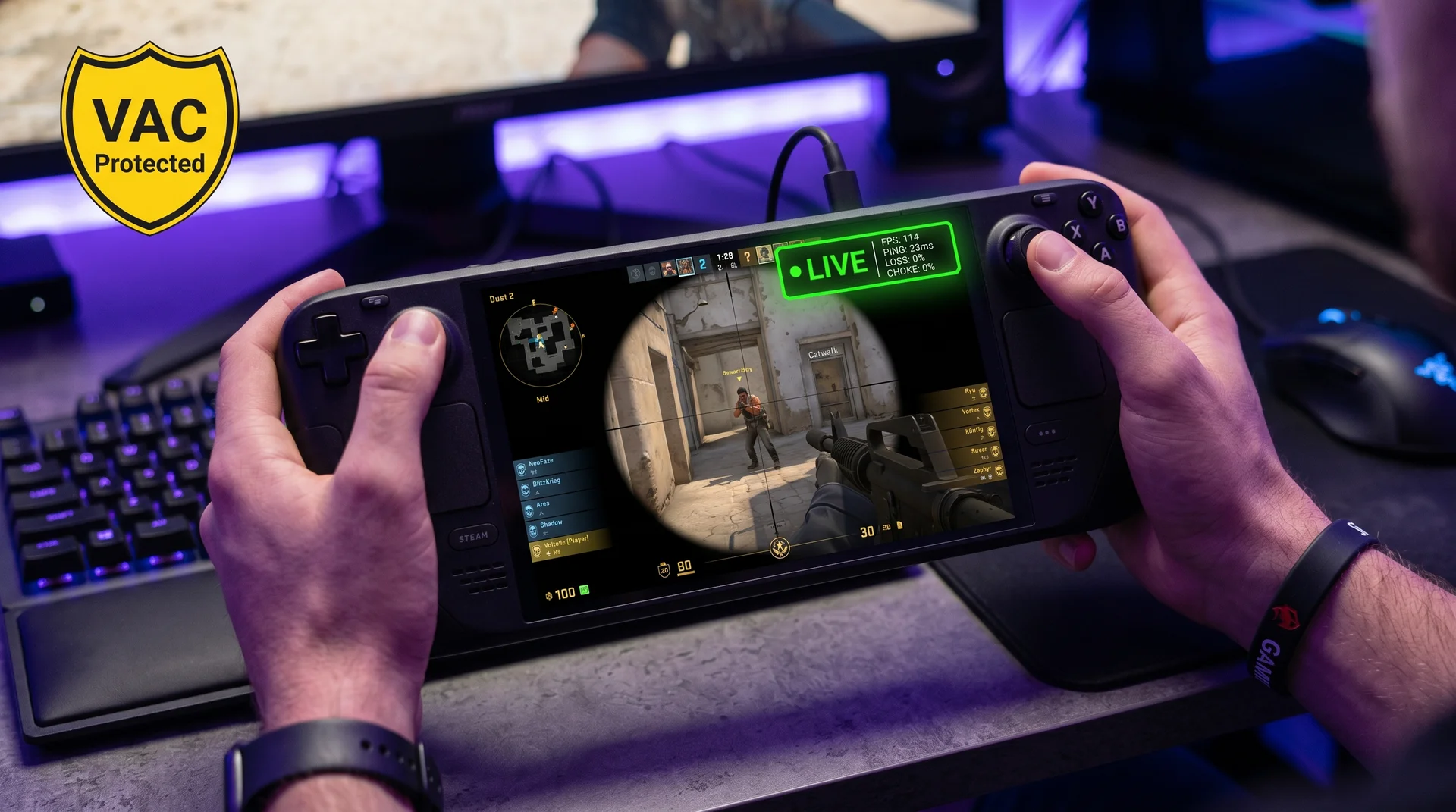
VAC Anti-Cheat on SteamOS: The Good News First
The biggest concern before installing CS2 on Steam Deck is the anti-cheat question. VAC — Valve Anti-Cheat — is natively supported on SteamOS, and no Steam Deck-specific bans have been issued since CS2 launched in September 2023.
The reason comes down to architecture. Unlike Riot’s Vanguard or Easy Anti-Cheat’s kernel-level Windows modules, VAC operates at the game process level. Valve built both SteamOS and VAC, so CS2’s anti-cheat check passes identically on Linux as on Windows — it does not distinguish between operating systems at the process level. CS2 runs on Steam Deck via Proton, Valve’s compatibility layer, and VAC runs alongside it without friction.
One caveat: VAC runs ban waves across all platforms. If you use third-party cheat software on any system, you will get banned. VAC on Steam Deck is not more permissive — just not more restrictive. You are playing on a level anti-cheat playing field.
Performance Reality: What FPS to Expect in 2026
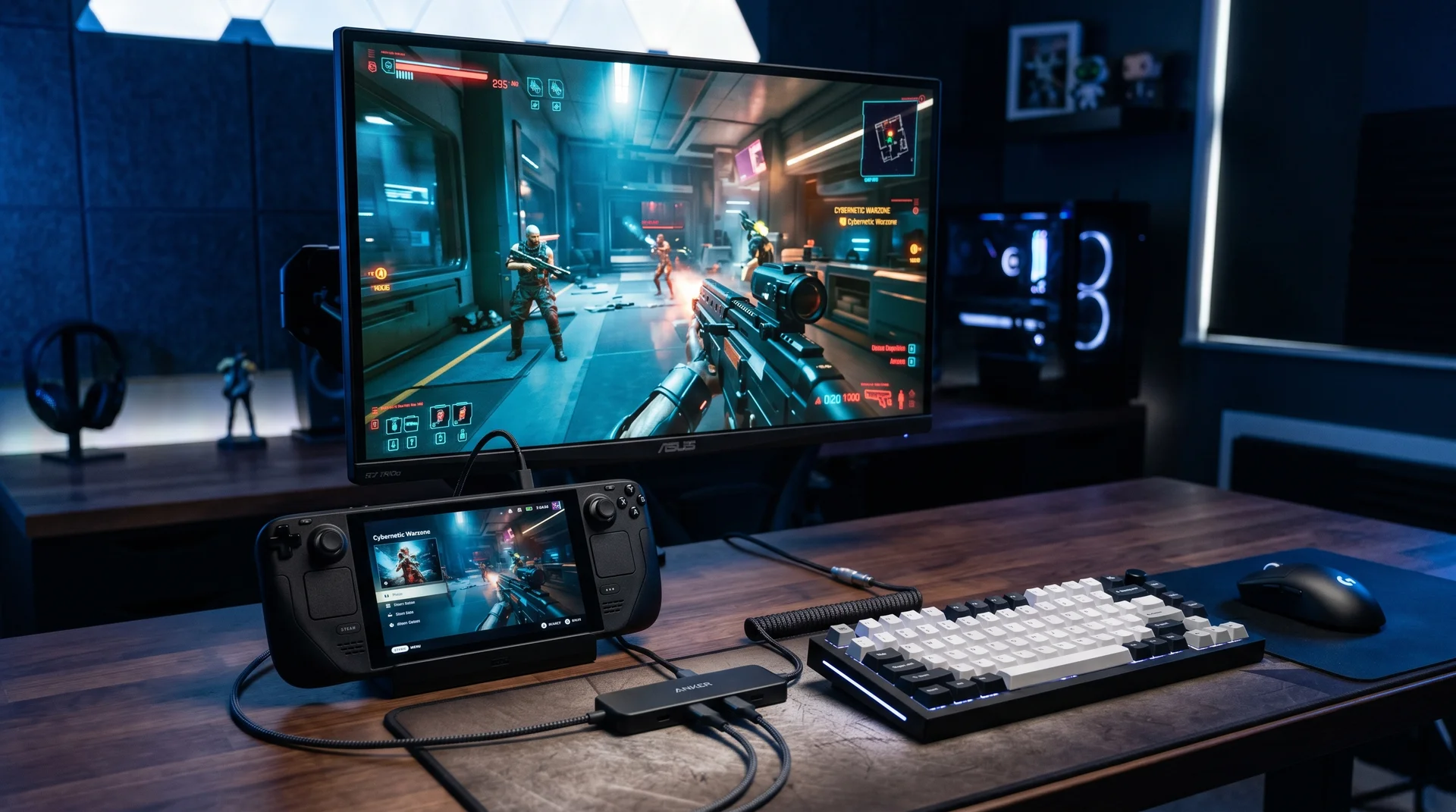
At CS2’s launch in September 2023, SteamDeckHQ logged FPS dropping into the 40s during 20-player deathmatch and 40–50 FPS in 10-player competitive matches. That was the unoptimized baseline. By 2025, with tuned settings and engine improvements, a consistent 60–90 FPS on low graphics is achievable.
That sounds workable — until you compare it to what competitive CS2 demands.
CS2’s Source 2 engine is CPU-bound at high frame rates. Competitive desktop players target 144–300 FPS to stay within their monitor’s refresh rate and minimize system latency. At 90 FPS — the OLED’s ceiling — you are generating 38% fewer frames than a 144 Hz opponent. At 60 FPS (the LCD ceiling), the gap reaches 58%.
The practical translation: at 60 FPS, you receive a new frame every 16.7 ms. A 240 Hz player receives one every 4.2 ms. When an enemy peeks a corner, that 12.5 ms gap is not decisive in lower ranks — but it compounds at higher ones where first-peek wins are the norm.
FPS drops during heavy-effect moments are a further complication. Smokes, molotovs, and flashbangs can trigger 30–40 frame dips from your baseline. A round that opens at 85 FPS can sink to 55 FPS during a grenade-heavy opening.
One hidden constraint: CS2 requires 85 GB of installation space. The base 64 GB Steam Deck cannot fit it without a microSD card. Budget for a 256 GB A2-rated card at minimum — slower cards noticeably extend load times.
Best Settings for Maximum FPS on Steam Deck
These settings target the 80–100 FPS range on Steam Deck. The logic: sacrifice every setting that does not affect your ability to see and shoot enemies, and protect the one that does.
| Setting | Value | Why |
|---|---|---|
| Display Mode | Fullscreen | Removes compositor overhead |
| Aspect Ratio | 16:10 | Native for Steam Deck display |
| Resolution | 1280×800 | No upscale penalty at native res |
| Shadow Quality | High | Enemies cast corner shadows — a real gameplay signal |
| All other graphics | Low | Maximum CPU headroom for frame rate |
| Particle Quality | Low | Grenades are the biggest per-frame cost |
| Ambient Occlusion | Disabled | 15–30 FPS overhead with zero gameplay benefit |
| VSync | Disabled | Adds one full frame of input lag — always off |
| FSR | Disabled | Introduces blur and render latency at 1280×800 |
| Boost Player Contrast | Enabled | Separates player models from busy backgrounds |
Shadow Quality stays High while everything else drops to Low. This is intentional. Enemy shadows around corners are a real tactical cue that costs rounds when you lose it. Dropping to Low Shadow saves roughly 5 FPS while removing a genuine competitive advantage — a bad trade at any rank.
V-Sync off is non-negotiable. Even at 60 FPS, V-Sync buffers a complete frame before display, adding 16.7 ms of input lag on top of your existing display disadvantage. Disable it regardless of which Deck model you own.
FSR at 1280×800 introduces visible softness and an additional render latency step. If your OLED is dropping below 80 FPS consistently, FSR Quality mode is a workable compromise. For serious ranked play, disable it. For a broader approach to FPS optimization across your entire setup, our complete game settings optimization guide covers the CPU-side tuning that applies whether you’re on Deck or desktop.
Competitive Viability: Honest Verdict by Player Type
CS2 has no native controller support on Steam Deck. The game does not recognize the built-in thumbsticks for gameplay input. You are left with trackpad aiming and gyro controls — workable for casual matches where stakes are low, genuinely difficult in a Premier lobby against mouse users who have practiced thousands of hours.
| Setup | Mode | Verdict | Reality |
|---|---|---|---|
| Handheld | Casual / Deathmatch | Viable | 60–90 FPS fine for fun; trackpad workable at low stakes |
| Handheld | Competitive Ranked | Disadvantaged | FPS gap + trackpad vs mouse = uphill every round |
| Handheld | Premier (high rank) | Not recommended | Disadvantages compound where first-peek wins are decisive |
| Docked (mouse + KB) | Any mode | Fully viable | Desktop-equivalent input; limited only by FPS ceiling |
Docking with a mouse and keyboard changes the equation completely. Connect a wired mouse and keyboard via USB hub, prop the Steam Deck on a stand, and you have full mouse-accurate input with complete UI access. The remaining limit — 60–90 FPS versus the 144+ Hz monitors your opponents run — is real but manageable for most skill levels. Testing consistently rates the docked setup as “incredibly capable” for competitive play.
Casual players and those in Silver to Gold Nova will find docked CS2 on Steam Deck genuinely competitive. Players above Master Guardian should treat the FPS ceiling as a known constraint rather than a dealbreaker — the input method gap is no longer the problem.
Before your first ranked session, dial in your crosshair. Our CS2 Crosshair guide covers the exact settings s1mple, ZywOo, and NiKo use — and why dynamic crosshairs are training a habit that will cost you at higher ranks.
LCD vs OLED: Which Steam Deck for CS2?
CS2 exposes the difference between Steam Deck models more clearly than most games, because both frame rate and thermal performance matter for extended competitive sessions.
| LCD ($399) | OLED ($549) | |
|---|---|---|
| Display refresh | 60 Hz | 90 Hz |
| FPS ceiling (handheld) | 60 FPS | 90 FPS |
| Motion clarity | Adequate | Noticeably smoother during aim duels |
| Thermal management | Throttles sooner in long sessions | Better cooling, more consistent FPS |
| Battery (CS2) | ~2 hours | ~2.5 hours |
The 90 Hz OLED display gives you 50% more frames than the 60 Hz LCD for handheld play — a meaningful difference in CS2 specifically, where micro-adjustments during peeking exchanges rely on motion clarity. The OLED’s improved cooling also protects the consistent 80–90 FPS target over longer sessions. LCD users see thermal throttling creep in after 60–90 minutes of competitive play, pulling FPS below the tuned baseline at the worst possible time.
If you primarily play docked with an external monitor, the Deck model matters less. Both versions output the same signal, and the external display sets the FPS ceiling for that setup. The OLED advantage is specifically handheld.
Verdict: OLED if handheld sessions are your primary mode. LCD if docked is your main setup and saving $150 matters more than 30 extra Hz.
Known Issues: What to Watch in 2025–2026
The July 2025 regression. A CS2 update in late July 2025 caused character models to render as black or invisible on some Linux Proton configurations, with operator screens flickering and hand textures disappearing mid-match. FSR Performance mode became effectively unplayable according to community reports. Valve addressed the worst of it in subsequent patches, but the pattern is worth tracking: CS2 on Proton can lag the Windows build after major updates. Check Steam community threads when large patches drop before assuming performance has improved or stayed stable.
Storage. The 85 GB footprint rules out the base 64 GB Steam Deck without a microSD card. An A2-rated, UHS-I card of 256 GB or more keeps load times from becoming a session-level frustration.
Thermal throttling. Extended sessions push the APU toward its thermal ceiling, causing FPS to drop below the settings-tuned baseline at inopportune moments. Steam Deck OLED manages sustained load more efficiently. LCD users should ensure adequate airflow and take breaks in warm environments.
UI text readability. Valve rates CS2 “Playable” rather than “Verified” because certain in-game text is too small at 1280×800. Kill feed and scoreboard entries require closer attention. Core gameplay elements — crosshair, radar, buy menu — are readable at handheld distance.
Frequently Asked Questions
Will I get VAC banned for playing CS2 on Steam Deck?
No. VAC supports Linux natively, and Valve built both SteamOS and VAC. No Steam Deck-specific bans have been issued. Cheating is still ban-worthy on any platform, but the hardware itself carries no ban risk.
Why is CS2 “Playable” and not “Verified” on Steam Deck?
Certain in-game text is illegible at 1280×800. Core gameplay functions correctly — it is a UI readability limitation, not a functional barrier.
Can I use a controller to play CS2 on Steam Deck?
No native controller support exists. Thumbsticks do not register for CS2 gameplay. The built-in trackpad and gyro function as a mouse substitute. A USB mouse via dock gives full competitive control.
Is docking with a mouse and keyboard worth it for competitive?
Yes — it is the single most impactful upgrade for competitive play on Steam Deck. It resolves the control input disadvantage completely, leaving only the FPS ceiling as the remaining constraint.
Does the OLED significantly change the CS2 experience?
For handheld play, yes. The 90 Hz display and better thermal management both contribute to more consistent frame delivery during competitive sessions. For docked play, the difference is minimal.
Sources
SteamDeckHQ — Counter Strike 2 Works on the Steam Deck, But Don’t Play Competitive. https://steamdeckhq.com/news/counter-strike-2-works-on-steam-deck/
EveZone — CS2 on Steam Deck: Is Competitive Play Viable in 2025?
CS2.ad Blog — CS2 on Steam Deck: Complete Setup and Performance Guide
PCGamesN — Can You Play CS2 on Steam Deck? https://www.pcgamesn.com/counter-strike-2/steam-deck

I've been playing video games for over 20 years, spanning everything from early PC titles to modern open-world games. I started Switchblade Gaming to publish the kind of accurate, well-researched guides I always wanted to find — built on primary sources, tested in-game, and kept up to date after patches. I currently focus on Minecraft and Pokémon GO.